Payments orchestrated, from deposit to reconciliation
Nodrus connects multiple payment providers through a single integration, with automatic deposit confirmation and routing between providers when one becomes unavailable. Anti-fraud rules, limits, and withdrawal approval are configurable by the operator, with reconciliation and cash visibility centralized in the backoffice.
Talk to the team- Platform uptime
- 99.9%
- Integrated providers
- 16+
- For the payment system to go live
- 4h
Platform uptime
Integrated providers
For the payment system to go live
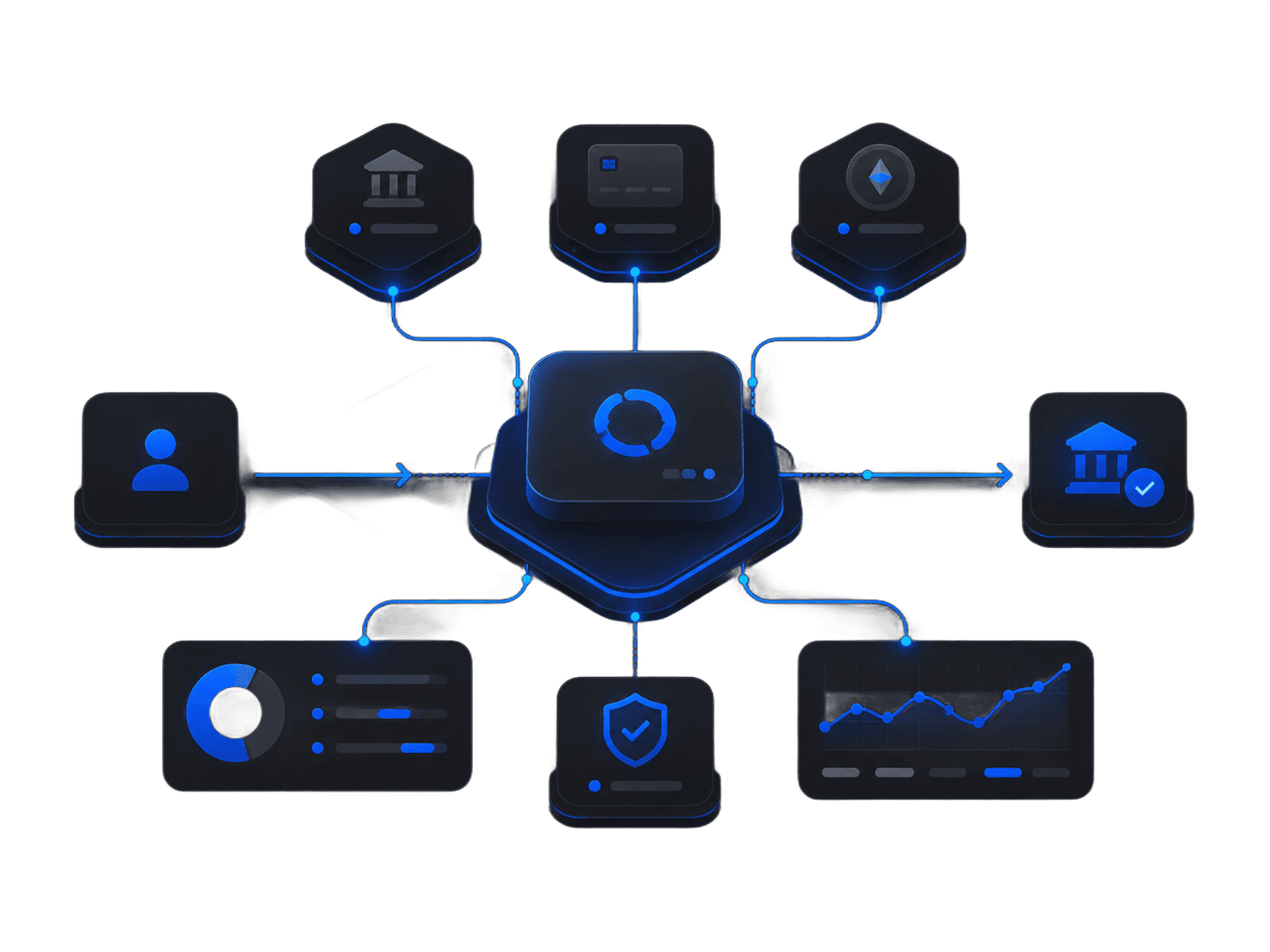
A payment system ready to operate
Orchestration, anti-fraud, and reconciliation in a single system.
Provider orchestration
Connect multiple payment providers to the operation through a single integration, without duplicating work per provider.
Automatic deposit confirmation
Deposits are confirmed automatically as soon as the payment settles with the provider, with no manual intervention.
Failover routing
When a provider becomes unavailable, transactions are automatically redirected to another active provider.
Anti-fraud rules and limits
Set per-transaction and per-player limits and blocking rules to reduce fraud without slowing down legitimate activity.
Reconciliation and cash view
Track inflows, outflows, and each provider's balance in a consolidated cash view in the backoffice.
Configurable withdrawal approval
Choose, by rule, which withdrawals are approved automatically and which require manual review by the team.
How the payment system goes live
From connecting providers to monitoring in production.
- 01
Provider connection
Integration of the payment providers chosen by the operator into the platform.
- 02
Routing rules
Definition of how transactions are distributed across providers and the failover behavior.
- 03
Anti-fraud and approval
Configuration of limits, anti-fraud rules, and withdrawal approval criteria.
- 04
Launch and monitoring
Payment system published and monitored by the operator's team.
One integration, full cash visibility
The operator connects multiple payment providers without multiplying integrations, and tracks every transaction in a centralized cash view. Provider failures are handled automatically, without interrupting deposits and withdrawals.
- Multiple providers connected through a single integration.
- Automatic failover between providers when one is unavailable.
- Centralized cash view with reconciliation in the backoffice.
- Withdrawal approval set to manual or automatic, by rule.
Frequently asked questions about payments
How does orchestration across multiple providers work?
The platform connects several payment providers through a single integration, so the operator doesn't need to integrate each one separately. Transactions are distributed across active providers according to the configured routing rules.
Is the deposit confirmed automatically?
Yes. As soon as the provider settles the payment, the deposit is confirmed automatically in the player's account, with no manual work from the operation.
What happens when a provider becomes unavailable?
Transactions are automatically redirected to another active provider through failover routing. This reduces the impact of a specific provider's instability on deposits and withdrawals.
How do anti-fraud rules and limits work?
The operator sets per-transaction and per-player limits and blocking rules to reduce fraud. These rules are configurable and can be adjusted to the operation's risk profile.
How do reconciliation and the cash view work?
The backoffice consolidates inflows, outflows, and each provider's balance into a single cash view. This makes daily reconciliation between processed transactions and platform records easier.
Can withdrawals be approved automatically?
Yes. The operator defines, by rule, which withdrawals are approved automatically and which require manual review by the team. Approval criteria are configurable based on each transaction's risk.
Bring orchestrated payments to your operation
Connect multiple providers, configure failover routing and approval rules, and centralize reconciliation in the backoffice.
Talk to the team